
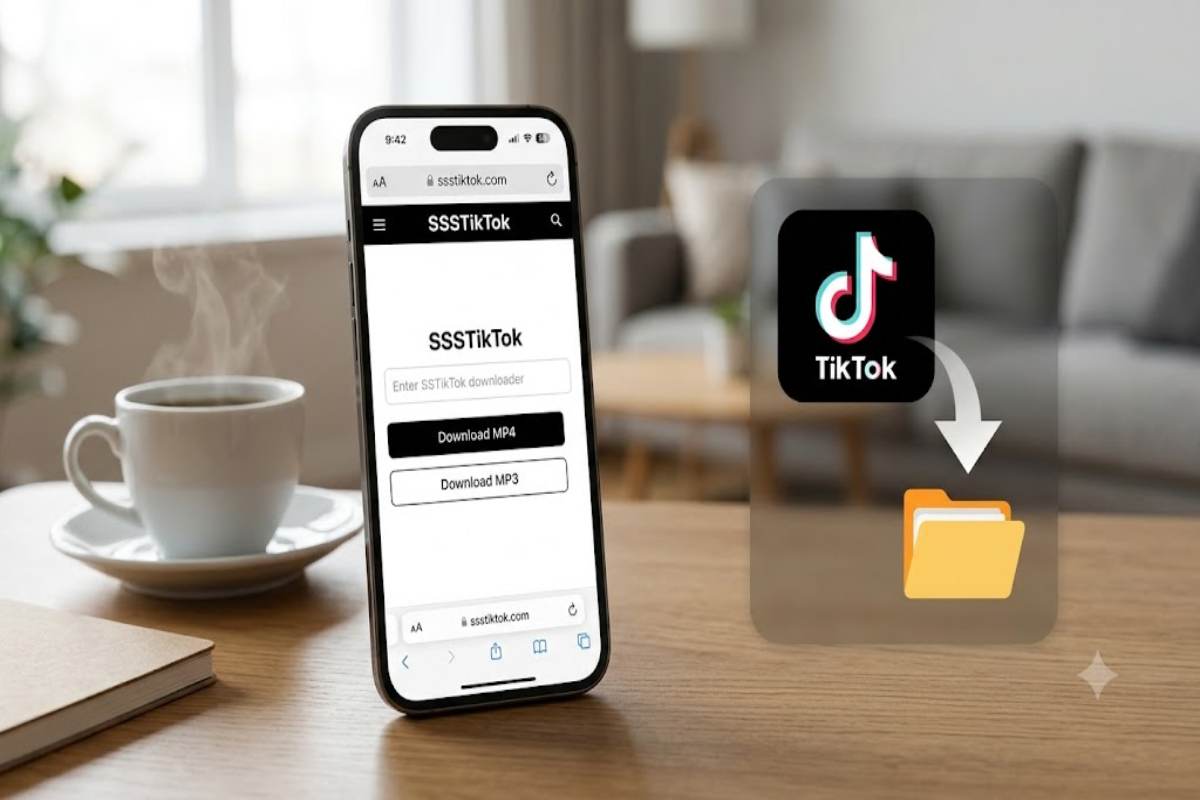
SSSTikTok is a third-party web-based tool commonly used to download publicly accessible TikTok videos, often with options such as MP4 video or audio extraction. Its exact features vary by website and version, so users should check the specific service, avoid entering TikTok passwords, and respect creators’ copyright and download settings.
Over time, TikTok has been emerging as the best source of short-form entertainment, tutorials, and even news and other useful info. SSSTikTok is one word we associate with different third-party TikTok video downloader products. These are websites where you put a link to a TikTok, and then you can obtain a download file of any supported video. These websites, in fact, can download TikTok videos with no watermark or convert them to mp3 if we choose to do so.
It should be remembered that SSSTikTok is not the same thing as TikTok.SSSTikTok is an alternative, third-party program, and although there may be other websites with the same name that look and feel similar, their functionality, privacy policies, and level of service may not be comparable.
What Is SSSTikTok?
SSSTikTok generally refers to an online TikTok downloading service. The basic concept is straightforward: copy the URL of a publicly accessible TikTok post, submit it to the downloader and select an available download option.
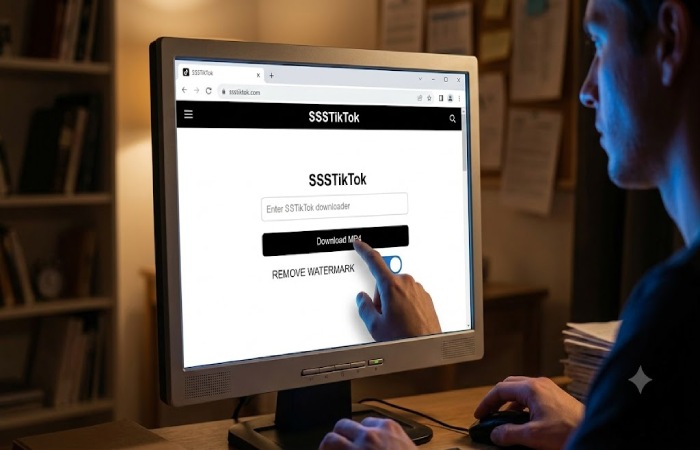
Several services using the SSSTikTok name advertise watermark-free video downloads, while others also offer MP3 conversion or batch downloading. These claims are service-specific rather than universal features of every SSSTikTok-branded website.
The important distinction is that SSSTikTok is a third-party downloader, not an official TikTok feature.
How SSSTikTok Works
The typical workflow takes only a few steps:
- Open TikTok and find a public video.
- Use TikTok’s sharing controls to copy the video’s link.
- Open the SSSTikTok website you intend to use.
- Paste the TikTok URL into its input field.
- Start the link analysis or download process.
- Select an available video or audio format.
- Save the resulting file to your device.
The exact interface can change. Some services provide a preview before showing download options, while others go directly from URL submission to file generation.
Key Features and Specifications
| Feature | What to expect |
|---|---|
| Video downloading | Supported public TikTok URLs may be downloadable |
| Watermark removal | Offered by some SSSTikTok services |
| Audio extraction | Some versions provide MP3 downloads |
| Account requirement | Many browser versions do not require TikTok login |
| Device support | Browser-based versions can work on phones, tablets and computers |
| Private videos | Generally unsupported |
| Video quality | Depends on the source and downloader |
| Batch downloading | Available on some versions, not all |
| Installation | Web versions generally require no dedicated application |
Features can differ considerably between domains using the SSSTikTok name. For example, one current service advertises public-link analysis, previews, video downloads and MP3 options, while another promotes bulk downloading.
What Content Can You Download?
SSSTikTok-style services primarily focus on publicly accessible TikTok videos. The available download result may depend on whether the original post is still accessible and whether the downloader can process its URL.
Content may include:
- Short entertainment videos
- Educational clips
- Tutorials
- Recipes and demonstrations
- Public creator videos
- Music-related clips
- Informational content
A downloader cannot be expected to work with every TikTok URL. Deleted, private, restricted or otherwise unavailable posts may fail.
TikTok itself allows creators to control whether other users can download their videos. Its help documentation explains that when downloads are disabled, other users cannot download the videos or photos through TikTok’s download function.
SSSTikTok vs TikTok’s Built-In Download
The biggest difference is that TikTok is the original platform, whereas SSSTikTok is a third-party tool.
| Area | TikTok | SSSTikTok-style downloader |
|---|---|---|
| Platform type | Social media platform | Third-party utility |
| Watching content | Primary purpose | Not the primary purpose |
| Download feature | Available when permitted | Often focuses on downloading |
| Watermark-free downloads | Not generally its standard download proposition | Some services advertise this |
| Account ecosystem | Full TikTok account features | Usually no social account required |
| Creator controls | Built into platform | Depends on source/service |
| Privacy policies | TikTok’s own policies apply | Individual third-party policy applies |
For ordinary offline saving, TikTok’s own download function is the more direct option when it is available. A third-party downloader may be useful when a particular supported format or workflow is required.
Is SSSTikTok Safe to Use?
This question requires some caution because SSSTikTok is not one single universally controlled service. Several websites use similar names, and their privacy policies, advertisements, domains and technical practices can differ.
A sensible rule is to never enter your TikTok password, authentication code or private account cookies into a downloader website.
TikTok’s own documentation on third-party applications makes clear that users should consider what information a third party requests and review that provider’s privacy practices and security measures.
Before using a downloader, check:
- Whether the website uses HTTPS.
- Whether it has a clearly identifiable privacy policy.
- Whether it asks for unnecessary login credentials.
- Whether download buttons lead to unexpected pages.
- Whether your browser reports suspicious behaviour.
- Whether the service requests installation of unknown software.
A site claiming to be “safe” is not, by itself, independent proof of safety.
Realistic Performance Expectations
Download speed is not guaranteed. It can vary according to your internet connection, TikTok’s availability, server traffic, video length, file size and the particular third-party service.
Likewise, a promised “HD” or “4K” download does not necessarily mean that the original TikTok upload contained that resolution. A downloader cannot create genuine source detail that was never present.
For reliable results, treat advertised quality and speed as best-case claims rather than guarantees.
Pros and Limitations
Pros
- Simple URL-based workflow
- Can be convenient on mobile browsers
- Some services offer MP4 and MP3 options
- Some versions advertise watermark-free downloads
- Usually no separate desktop software is required
Limitations
- Third-party services can change or disappear
- Features vary between similarly named websites
- Private or restricted videos may not work
- Download quality depends on the source
- Pop-ups and misleading advertisements can occur on some sites
- Copyright restrictions still apply
Who Should Use It?
A third-party TikTok downloader may be useful for someone who needs a local copy of a public video for legitimate personal or permitted use, provided the creator’s rights and TikTok’s rules are respected.
It is less suitable for anyone expecting guaranteed access to private content, permanent availability or unrestricted commercial reuse.
Creators and businesses should be particularly careful before republishing downloaded videos. Removing a watermark does not remove the original creator’s copyright.
Copyright and Responsible Use
Downloading a video and having permission to reuse it are two different things.
TikTok provides controls for creators over video downloads, and its guidance notes that previously downloaded content can remain on another person’s device even after download settings are changed.
If you want to repost, edit, monetise or use somebody else’s TikTok commercially, obtain the appropriate permission and check applicable copyright rules. For simple personal reference, keeping the creator’s attribution and avoiding redistribution is a safer approach.
Troubleshooting SSSTikTok Downloads
If a download fails, work through this quick process:
1: Check that the TikTok URL was copied correctly.
2: Confirm that the original post is still publicly accessible.
3: Try the process again using a current browser.
4: Avoid repeatedly clicking unfamiliar advertisements or pop-ups.
5: If one SSSTikTok domain does not work, do not automatically assume every similarly named domain is legitimate or identical.
A failed download does not necessarily mean your phone or computer is faulty.
SSSTikTok Alternatives
The first alternative is TikTok’s own download functionality when the creator has enabled it. This keeps the process inside the official platform and avoids relying on an additional third-party service.
Other options include:
- Saving the TikTok post within TikTok for later access
- Using the platform’s native sharing tools
- Asking the creator for an original copy when reuse is permitted
- Using screen recording where appropriate and lawful
- Choosing creator-provided download links
The best option depends on whether your objective is offline viewing, content research, editing or authorised reuse.
Frequently Asked Questions
What is SSSTikTok?
SSSTikTok is a name used by third-party TikTok downloader services that process supported public TikTok URLs and may provide downloadable video or audio files.
Does SSSTikTok require a TikTok password?
A browser-based downloader generally should not require your TikTok password. Do not provide login credentials or authentication codes to an unfamiliar third-party downloader.
Can SSSTikTok download videos without a watermark?
Some SSSTikTok services advertise watermark-free downloads, but availability depends on the specific service and source video.
Can it download private TikTok videos?
You should not expect a legitimate public-link downloader to provide access to private or restricted videos. Respect the creator’s privacy and TikTok’s access controls.
Is SSSTikTok an official TikTok product?
No. SSSTikTok-style downloader websites are third-party services rather than the official TikTok platform.
Why does SSSTikTok sometimes fail?
A URL may fail because the video has been deleted, made private, restricted, incorrectly copied or temporarily unavailable. Server or browser issues can also affect the result.
Final Verdict: Is SSSTikTok Worth Using?
SSSTikTok can be a convenient option for processing public TikTok links, particularly when a third-party service provides a format or download workflow that meets your needs. However, it should be treated as a third-party utility rather than an official TikTok feature.
The safest approach is simple: use public content, avoid sharing account credentials, check the specific site’s privacy information and respect creator permissions and copyright. For ordinary downloads where TikTok provides the option, the platform’s built-in feature remains the straightforward starting point.