
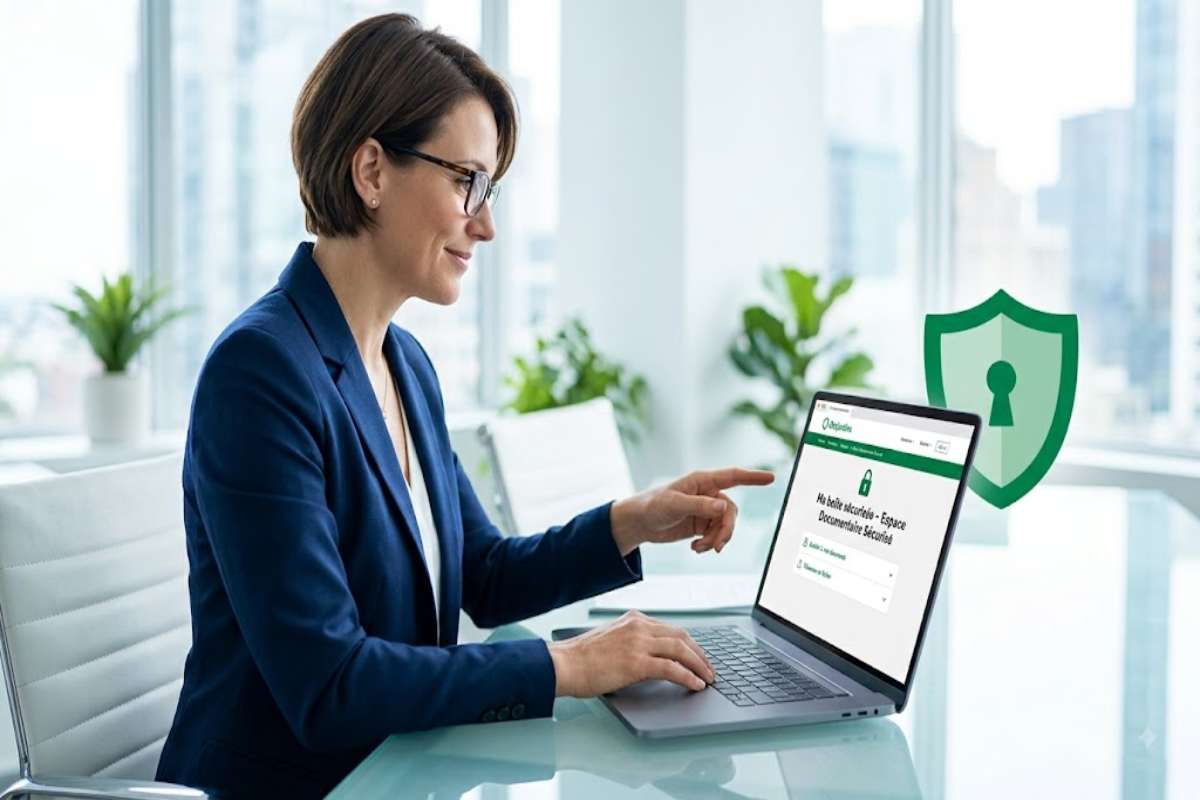
If you received an email inviting you to view or upload documents on maboitesecurisee.desjardins.com, your first question is probably simple: is this really a Desjardins service, and what should I do now?
Desjardins uses secure spaces to exchange confidential documents, particularly in connection with its insurance activities. In its public documents, Desjardins states that it deployed my secure mailbox to send communications that may contain confidential information to clients, policyholders, and claimants in group insurance.
What is maboitesecurisee.desjardins.com?
maboitesecurisee.desjardins.com refers to a secure document-sharing solution associated with Desjardins activities. The goal is to avoid sending sensitive information as an ordinary email attachment. Desjardins explains that its sharing spaces are used, among other uses, when confidential documents need to be exchanged in financial or insurance matters.
With regard to My Secure Box, Desjardins explicitly declared that it was implemented in group insurance communications potentially including personal information.
Why use a secure mailbox instead of regular email?
Email is not always the right channel for transmitting sensitive information. Desjardins adds that e-mail is not an appropriate means of transmitting protected information and cautions when dealing with policy numbers and personal information.
A secure space therefore separates two things:
- email, which primarily serves to notify you;
- the secure space, where confidential documents can be viewed or uploaded.
It’s critical to note this: an email notification can be sent without the original sensitive document included in the message.
How does the service work?
The process can vary depending on the type of case, but the principle Desjardins describes for its sharing space is fairly straightforward.
1. A sharing space is created
When an exchange of confidential information is necessary, the person responsible for your case can create a sharing space. Desjardins indicates that a separate space may be created for each request.
2. You receive a notification
You will generally receive an email informing you that the space has been created and explaining how to sign in. Notifications may also be sent when a new document is added.
3. You view or upload documents
Depending on your situation, you may need to download a document, view it, or submit documents requested by Desjardins. For its sharing space, Desjardins states that users can add documents from the relevant space. Several file formats are accepted, including PDF, JPEG, PNG, DOCX, XLSX, CSV, PPT, and ZIP.
4. The space may have an expiration date
This is a detail many users overlook. Desjardins states that its sharing spaces are available until a specified expiration date. After that period, the documents stored there are deleted.
My view: do not treat a secure mailbox as a permanent archive. If a document is important for your records, download it and store it in your appropriate personal document management system.
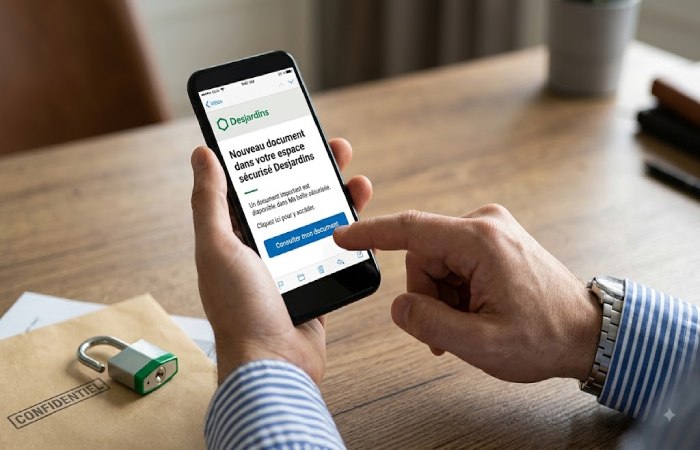
How can you tell whether the link you received is authentic?
This is probably the most important part of this guide. A fraudster can easily copy a financial institution’s logo and reproduce the general style of an email. The fact that a message mentions “Desjardins” is therefore not enough to prove that it is authentic.
Before entering your information, check the following:
Check the domain
If you received a link presented as a Desjardins link, carefully examine the domain name.
Be cautious with variations such as:
desjardins-securise...desjardins-login...desjardins.support...- domains containing spelling mistakes;
- shortened links whose actual destination is unknown.
Do not rely solely on how the link text looks.
Never provide your PIN or password in response to a suspicious request
Desjardins explicitly states that none of its employees are authorized to ask for your password or PIN.
This is an especially useful rule: a secure space does not make a fraudulent request legitimate.
Even if a message looks professional, never provide your credentials simply because someone asks for them by email or phone.
When in doubt, do not click
This is often the best response.
Instead of following a link contained in an unexpected email, use Desjardins’ official channels or contact the organization through a method that you have independently verified.
What should you do if you received an email concerning maboitesecurisee.desjardins.com?
If you were actually expecting a document from Desjardins — for example, as part of an insurance matter, a claim, or an administrative process — the message may be a legitimate notification.
Proceed as follows:
- Confirm that you actually have an active case or process with Desjardins.
- Examine the sender’s email address.
- Carefully check the domain of the link.
- Never provide your PIN, password, or other secret codes.
- If anything seems unusual, contact Desjardins through an official channel instead of replying to the email.
- Once signed in, verify that the documents correspond to your case.
Desjardins also recommends avoiding unnecessary disclosure of personal information and questioning the necessity of any request involving sensitive information.
Is it the same as Desjardins’ document-sharing space?
Not necessarily in the strict sense of the interface or user journey.
Desjardins currently documents a document-sharing space that allows clients to exchange confidential files with the person responsible for their case. This space may be accessible from a Web page or, for AccèsD users, through the appropriate Desjardins environment.
In addition, Desjardins’ public documents specifically mention Ma boîte sécurisée in the context of group insurance.
It is therefore important to avoid a common mistake: assuming that all Desjardins sharing interfaces or links are identical.
What should you do if the page does not work?
Several issues can be relatively ordinary:
- the link has expired
- the browser is blocking a required function
- you are using an old link
- your case is no longer active
- the document is no longer available
- you are not signed in using the required method
- the email you received does not correspond to the correct Desjardins process.
If the problem occurs after following a link received by email, do not immediately look for a solution on a third-party website that asks for your credentials.
The safest approach is to verify your case with Desjardins and ask them to confirm the appropriate access method.
What if you need to send confidential documents?
This is exactly where a secure space is preferable to a regular email attachment.
Desjardins recommends using its sharing space when you need to transmit confidential documents. If that space is not available, Desjardins recommends, among other measures, protecting the documents with a password and communicating it via a method other than email.
For a document containing personal information, therefore, avoid simply sending:
“Hello, here is my Social Insurance Number and my ID attached.”
The issue is not only the contents of the file but also the channel used to transmit it.
A secure mailbox does not replace your own precautions
This is the point that overly generic cybersecurity explanations often overlook. A system can be designed to protect documents, but security also depends on the user’s behavior.
Desjardins recommends using unique, difficult-to-guess passwords and states that its passwords must contain at least 10 characters for its relevant services.
You should therefore:
- use a unique password;
- never share your credentials;
- avoid entering sensitive information through a suspicious link;
- keep your browser and device up to date;
- verify unusual requests;
- keep important documents after downloading them if you need to retain them.
FAQ about maboitesecurisee.desjardins.com
What is maboitesecurisee.desjardins.com used for?
It is a domain associated with a secure communication and document-sharing solution used by Desjardins, particularly for communications that may contain confidential insurance-related information.
Why did I receive an email?
The email may be intended to inform you that a document or secure space has been created for your case. Desjardins describes this principle for its document-sharing spaces.
Can I email my sensitive documents instead?
This is generally not the best option. Desjardins states that email communications are not secure and recommends using its sharing space when confidential information needs to be exchanged.
Can Desjardins ask me for my password?
No. Desjardins states that no employee is authorized to ask you for your password or PIN.
Do the documents remain available indefinitely?
Not necessarily. For the sharing spaces documented by Desjardins, an expiration date may apply, and the documents are deleted after that period.
What should I do if I think I received a fake message?
Do not click anything else and do not provide confidential information. Verify your case directly with Desjardins using its official channels.
Conclusion: The right response is not simply to check the link
If you are searching for maboitesecurisee.desjardins.com, the most important thing is to understand why you received the message before providing any information.
Desjardins does use secure solutions to exchange confidential documents, and its public documents explicitly refer to Ma boîte sécurisée in the group insurance sector.
The best approach is simple: confirm the context of your case, verify the domain, never share your secret credentials, and use Desjardins’ official channels whenever you have doubts. When dealing with sensitive documents, this discipline matters just as much as the technology itself.